How to run a local LLM for secure business operations
A comprehensive guide for team leads on deploying local LLMs to enhance data privacy, reduce costs, and maintain control over internal AI workflows.
Last updated: 2026-04-26
Many operations teams today face a difficult trade-off: the productivity gains of Large Language Models (LLMs) versus the strict data governance requirements of their organization. When handling proprietary code, financial records, or sensitive customer information, sending data to third-party cloud-based AI providers is often a non-starter.
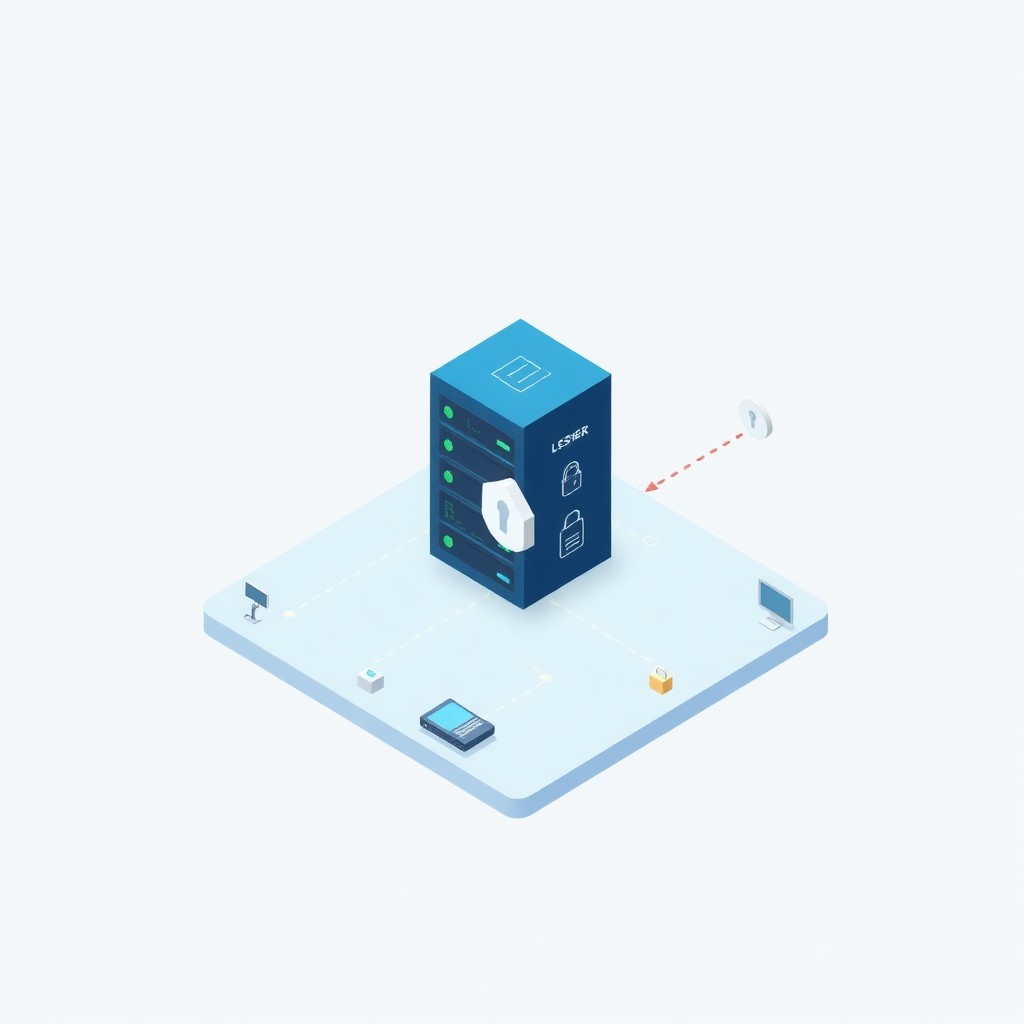
Running a local LLM allows your team to leverage the power of generative AI while keeping your data strictly within your own network. This guide explores how to deploy local AI solutions to maintain security, improve workflow latency, and exert total control over your business operations.
Why operations teams are moving local
The transition to on-premise AI is driven primarily by the need for data sovereignty. When you run an LLM on your own hardware, you ensure that no internal data is utilized to train external models. Beyond simple compliance, local AI provides:
- Latency: Removing round-trips to the cloud means faster response times for internal tooling.
- Cost-Control: Eliminate the per-token costs associated with API-based services.
- Reliability: Your internal business operations remain functional even during cloud provider outages.
Evaluating the technical requirements
Before deploying an LLM, you must prepare your environment. The effectiveness of your local setup depends heavily on your hardware capabilities.
Hardware basics
The most critical factor is VRAM (Video RAM). The model needs to reside in the GPU’s memory to perform inference efficiently.
- Consumer GPUs (e.g., NVIDIA RTX series): Excellent for development and small-team inference tasks.
- Server GPUs (e.g., NVIDIA L40S or A100): Necessary if you expect high concurrent usage or need to run massive, highly capable models.
Choosing your software stack
You do not need to build your environment from scratch. Several tools have matured significantly:
- Ollama: The industry standard for running local models on macOS, Linux, and Windows with minimal configuration.
- LM Studio: Offers a user-friendly graphical interface for those who prefer not to manage command-line interfaces.
- vLLM: The go-to choice for high-throughput production serving.
Model selection
Match the model to the task. For general internal operations, models like Llama 3 (developed by Meta) or Mistral offer an excellent balance of performance and efficiency. For specialized coding tasks or internal knowledge base querying, consider larger versions or fine-tuned variants of those models.
Step-by-step implementation guide
Moving to production-grade local AI requires a structured approach.
1. Installation
Start by setting up Ollama on a dedicated, high-spec internal server or a high-performance workstation. Once installed, pull your chosen model using the command line (e.g., ollama run llama3).
2. Integration
Most enterprise internal tools are built to interface with OpenAI’s API. Thankfully, most local host applications, such as Ollama, provide an API server that mimics the OpenAI endpoint. You can point your existing internal applications to your local IP address—instead of the OpenAI URL—to swap the backend without changing your application code.
3. Scaling for the team
To allow multiple team members to access the same model, use Docker. Encapsulating your LLM in a container ensures that the environment is consistent across all developers. You can pull a pre-configured Docker image from the official Ollama repository or build your own to include specific drivers and model optimizations.
Best practices for production-grade local LLMs
To make local LLMs a permanent component of your operation, follow these operational best practices:
- Version control your models: Treat models like code. Use a container registry to store specific versions of your internal AI environment so that all team members interact with the exact same version.
- Monitor resource usage: Set up monitoring tools to track GPU health and memory leaks. Operations teams should treat the LLM server just like they treat a production database.
- Define clear usage protocols: Establish guidelines for when to use local models versus when a specialized cloud tool might still be necessary. For example, use local for internal documentation and SaaS tools for external marketing copy generation.
Frequently asked questions
-
What are the main security advantages of running a local LLM compared to ChatGPT/GPT-4? Data never leaves your infrastructure, eliminating the risk of third-party model training on your internal documents.
-
Do I need a dedicated server-grade GPU to run models effectively? Not necessarily. Modern consumer GPUs with sufficient VRAM can handle most inference tasks for business applications.
-
Can I replace my current cloud-based AI automation tools with local ones? Yes, by exposing your local model via an API endpoint that mimics standard OpenAI protocols, you can swap providers in your code.
-
How do I handle model updates and fine-tuning for team-specific workflows? Model updates are managed via container image repositories, while fine-tuning can be accomplished using libraries like Unsloth or PEFT on dedicated training nodes.
-
What is the impact on local network bandwidth and internal hardware lifecycle? Local deployment significantly reduces network egress costs and bandwidth dependence, though it does increase the wear and power consumption profiles of your local server hardware.
Related articles
AI Meeting Notes Automation for Operations
Comparing AI Tools for Internal Knowledge Bases
Designing Scalable No-Code AI Workflows for Operations Teams
How useful was this article?
Can you briefly tell us what could be better?
Get AI updates?
One practical tip per week. No hype, only useful comparisons and workflow insights.