AI Contract-to-Cash Automation: Integrating Metadata into ERP
Learn how to bridge the gap between AI-driven contract review and financial ERP systems to automate billing workflows and reduce errors.
Last updated: 2026-05-21
In many modern organizations, the “Contract-to-Cash” process is suffering from a massive disconnect. Legal teams use AI to accelerate contract review, but once a contract is signed, the data often remains trapped in a PDF or a legacy legal management system. By the time a billing clerk manually enters the payment terms or renewal dates into an ERP or CRM, the efficiency gains of the initial AI review are lost.
True AI contract-to-cash automation requires more than just reading a document; it demands a structured data pipeline that feeds signed, reviewed agreements directly into your financial systems of record.
The Contract-to-Cash Bottleneck: Why AI Review Isn’t Enough
Most businesses view AI in legal operations as a tool to shrink the review cycle time. While this is critical, it ignores the operational lifecycle of the contract. If your contract review process is highly efficient but your downstream billing remains manual, you have simply shifted the bottleneck further down the line.
The primary issue is “data drift.” When humans re-key data from a contract into an ERP (like NetSuite, SAP, or Sage), they introduce human error. Furthermore, when contracts are modified—via amendments, renewals, or price escalations—this information often fails to percolate back to the finance team until the next audit cycle.
AI-driven automation is not just about speeding up the drafting phase; it is about ensuring that the intent of the legal team is programmatically translated into financial actions.
Architecting the Data Pipeline: From LLM Extraction to CRM/ERP
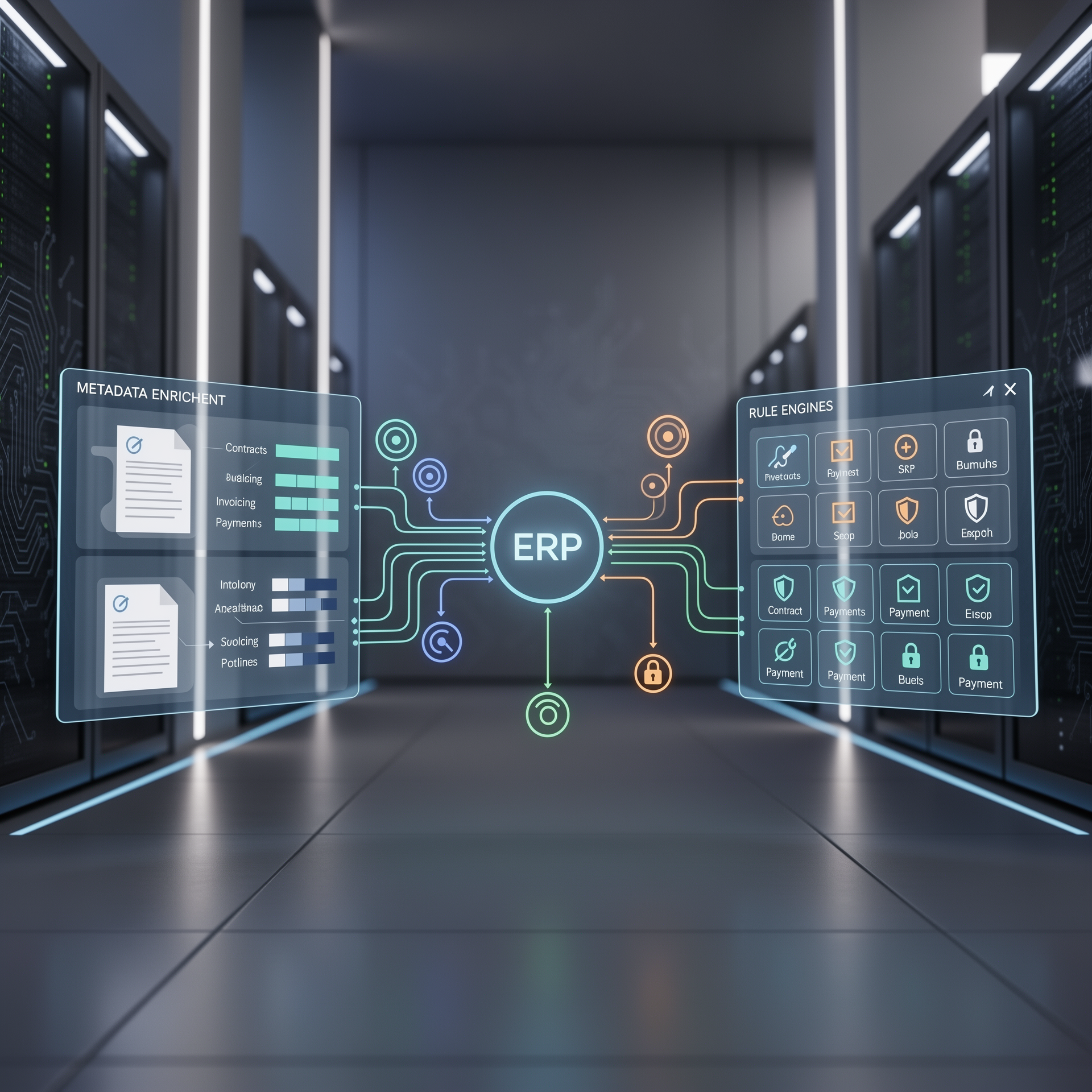
To bridge the gap between legal and finance, you must transition from unstructured documents to a structured database. This requires an architectural shift that treats documents as data packets.
1. The Intelligent Extraction Layer
Do not use generic “chat-style” prompts alone. Your extraction layer must utilize Large Language Models (LLMs) with firm schema restrictions (such as forced JSON output or Pydantic parsing). Define the schema to match your ERP’s API objects exactly. This ensures that the AI returns fields like billing_start_date and payment_net_terms in formats the receiving system can ingest without further transformation.
2. Validation and Enrichment
Raw data from a contract should never hit your ERP directly. You need a “staging environment” or middleware to perform cross-reference checks. This stage should:
- Verify Existence: Does the customer ID exist in the ERP/CRM?
- Logic Check: Ensure the contract signature date precedes the commencement date.
- Discrepancy Reporting: Flag mismatches between the contract value and the CRM’s estimated deal value. If there is a >5% variance, the pipeline should hold the record for manual validation.
3. Middleware Orchestration
Use low-code or custom Python-based middleware to act as the traffic controller. This layer manages the API handshake between document storage (e.g., SharePoint, Box) and financial databases. By centralizing this logic, you gain the ability to audit the data transformation process before it hits the ledger, preventing accidental propagation of incorrect billing information.
Operational Workflow: Mapping Contract Data to Invoicing
The automation workflow should be treated as a series of triggers and actions. An efficient operational flow includes the following steps:
- Trigger: The final, countersigned contract is uploaded to the secure Contract Lifecycle Management (CLM) system or designated storage container.
- AI Extraction: The AI process parses the document for key billing triggers (Commencement date, Billing frequency, Net terms, Renewal triggers).
- Pre-Finance Review: If the extracted data deviates from the CRM values, the AI flags the contract for a Finance/Ops check.
- Automated Billing Entry: Upon approval, data is pushed to the ERP via secure API.
- System Synchronization: The CRM marks the “Deal” as “Closed-Won,” the ERP initiates a “Billing Schedule,” and the Finance team is notified via a dashboard or Slack/Teams alert.
Maintaining Data Integrity and Audit Trails in Automated Systems
Moving automated data into your financial stack carries significant risk. Financial software requires absolute consistency; an erroneous line item can lead to tax and revenue recognition issues.
To maintain integrity:
- Immutable Audit Logs: Every piece of data “touched” by an AI should have a breadcrumb leading back to the original text segment. If an auditor asks why the invoice is set for $5,000, your system must show the exact clause in the source contract that dictated that price.
- Confidence Scores: Do not automate fields where the AI model reports a low confidence score. If the model is only 75% sure about the renewal date, mandate a human-in-the-loop review.
- Periodic Re-syncs: Implement a process to compare the metadata in your CRM against the source PDFs quarterly to ensure no drift occurred due to system updates.
Evaluating Technical Debt and Security Risks
Implementing AI-to-ERP integration introduces specific risks that operations managers must address before rollout.
Data Privacy and Compliance
When feeding contracts into an LLM, ensure you are using enterprise-grade API instances where data is not used to train the base model (e.g., private VPC end-points). Never include PII (Personally Identifiable Information) in the metadata extraction prompts unless the environment is fully HIPAA or GDPR compliant.
System Complexity vs. Resilience
Creating a complex automated pipeline can lead to “black box” failures. If the API between your CLM and ERP changes, the integration will break.
- Operational Risk: If your pipeline fails, do you have a manual fallback procedure? Always maintain a “break-glass” workflow where users can bypass the automation via a manual entry task.
- Ownership Risk: Who owns the pipeline? Is it IT or Finance? It is recommended that Finance owns the output data quality, while IT manages the API connections and uptime.
Trade-offs: When to Automate and When to Require Manual Approval
Not every contract is a candidate for full automation. Distinguishing between high-velocity deals and complex custom arrangements is essential for maintaining accuracy.
| Scenario | Automation Strategy | Rationale |
|---|---|---|
| Standard SaaS Terms | Full Automation | Low risk of ambiguity; consistent billing objects. |
| Custom Service Agreements | Human-in-the-loop | Complex milestone payments require human oversight. |
| Multi-year Renewal | Partial Automation | Requires validation against historical performance. |
| One-off Consulting Deal | Manual Entry | Lacks standardized billing templates, high error risk. |
The “Risk Threshold” Rule: Ask yourself: “If this AI entry is wrong, does it cost us a customer, legal liability, or a significant financial adjustment?” If the answer is yes, ensure a human approval step exists between extraction and financial integration.
Rollout Checklist: Building Your AI-Financial Sync Pipeline
Operations managers should use this checklist to ensure the implementation is robust and sustainable:
- Map All Fields: List every field required by your billing/ERP system. Do not forget non-financial fields that impact billing, such as termination notice periods.
- Standardize Contracts: Ensure your contracts have consistent structures to improve AI extraction accuracy. Non-standard formatting is the primary cause of AI hallucinations.
- Choose Middleware: Select a platform that supports secure API calls and logging (e.g., Make, Zapier for business, or custom webhooks).
- Define Exception Handling: Explicitly outline which contracts trigger a “Stop and Notify” signal.
- Pilot Program: Run a 30-day “Shadow Pipeline.” Compare the AI extraction against manual entry to identify systematic accuracy gaps before going live.
- Assign Ownership: Define a clear RACI matrix; IT manages APIs, Finance verifies financial veracity, Ops manages the pipeline health.
Frequently asked questions
- How does AI-driven contract-to-cash differ from basic OCR? OCR merely digitizes text, while AI-driven extraction interprets context, identifying key clauses like billing cycles, renewal dates, and payment terms.
- What are the security implications of syncing private contract data with financial ERPs? The primary risk is unauthorized data exposure. Security must be managed through Role-Based Access Control (RBAC) and encrypted middleware.
- How do you handle complex contract terms in automated billing pipelines? Use conditional logic in your middleware to flag complex terms for manual review, while standard terms are automatically routed to the ERP.
- What team roles should be responsible for monitoring the contract-to-cash automation pipeline? A cross-functional team including Ops Managers, Finance/Accounting leads, and IT/System Administrators.
Related articles
- Privacy-First AI Document Automation: Building Secure Pipelines
- Automating Contract Metadata Extraction for Enterprise
- AI-Driven Lead Data Enrichment & Smart Routing Blueprint
Operational rollout checklist
Before treating local AI infrastructure as a production dependency, define the operational contract around it. Assign an owner for model updates, hardware monitoring, access control, backup procedures and incident response. A local inference node can reduce exposure to third-party APIs, but it also shifts responsibility for uptime, patching and capacity planning back to the business. That trade-off is manageable when the deployment is treated like infrastructure rather than an experimental workstation.
Start with one workflow that has clear inputs, outputs and escalation rules. Good candidates include internal knowledge-base retrieval, document classification, meeting-note summarization or draft preparation for support teams. Avoid moving every AI task on-premise at once. Measure latency, queue depth, answer quality, operator review time and failure modes for a small group of users first. Those measurements show whether the hardware is solving a real operational bottleneck or simply adding another system to maintain.
Security review should happen before the first production dataset is connected. Confirm who can access prompts, source documents, logs, embeddings and generated outputs. Decide which data may be stored, which data must be discarded after inference and which workflows still require cloud tooling because of integration or support requirements. For European SMBs, this is also the point to document data residency assumptions and supplier responsibilities.
Decision criteria for operations teams
The decision to use dedicated local AI hardware should be based on workload fit, not novelty. A strong fit usually has repeated inference demand, sensitive internal data, predictable document formats and a team that can own basic infrastructure operations. A weak fit is a sporadic use case where a managed cloud AI tool already meets security and performance requirements at lower operational effort.
Use a simple scorecard before purchase or rollout. Evaluate data sensitivity, expected daily usage, integration complexity, support ownership, fallback options and the cost of downtime. Also define what success looks like after thirty and ninety days. That might be faster document routing, fewer manual summaries, better retrieval from internal knowledge bases or lower dependency on external AI APIs. Without those criteria, hardware discussions quickly drift into specifications rather than business outcomes.
Governance and monitoring plan
Local AI infrastructure also needs a monitoring model. Track service availability, failed inference requests, response latency, GPU or accelerator utilization, storage growth, model version changes and queue times. These metrics help operations teams separate content-quality problems from infrastructure problems. If users report poor answers, the cause may be retrieval quality, stale documents, a weak prompt template, insufficient model capacity or an overloaded inference queue. Treating those as separate failure classes makes troubleshooting faster.
Governance should include a clear change process for models, prompts and connected data sources. Do not allow informal model swaps in production workflows without documenting what changed and why. A small model upgrade can alter answer style, latency and retrieval behavior. For regulated or sensitive workflows, keep a lightweight audit trail that records the model family, configuration, retrieval source and review status for each production workflow. The goal is not bureaucracy; it is the ability to explain how an operational decision-support system behaved when a manager asks for evidence.
How useful was this article?
Can you briefly tell us what could be better?
Get AI updates?
One practical tip per week. No hype, only useful comparisons and workflow insights.